
Some links on this page are affiliate links and we may earn a commission if you buy through one. It costs you nothing extra. Nothing in the safety sections is influenced by it, and we have left out products we would not put in our own house.
📺 A Good Picture With an Old Brain
Plainly, first. This page is for educational purposes only. BuyItAt50 is not a television repair shop and has no ownership or business connection with Amazon, Roku, or any television maker or seller named here, apart from the affiliate links disclosed above. Products and prices are named only as examples of what was on offer when this was written. For your own television and your own streaming device, the manual and the maker's help pages are the final word.
My sister-in-law wanted a television for her bedroom. She is on a tight budget, the kind where a new sixty-inch set is not a purchase so much as a daydream.
She found one anyway. A sixty-inch, about eight years old, secondhand. It turned on. The picture was good. And it felt old the moment you picked up the remote, because the menus were slow, the built-in apps were half of them missing, and the whole thing had the air of a machine that had been left behind by everything around it.
The reason she wanted a big television in the bedroom at all was mine. I have a sixty-inch Samsung in my bedroom, and it works like the newest thing in the store. It is ten years old. The only new part on it is a little stick plugged into the back that cost less than a tank of gas.
She did not believe me until she saw it. After that, the eight-year-old set she had found did not look like a mistake any more. It looked like a bargain waiting for one small part.
So this page is about that. A television is two things in one box: a screen, and a small computer that runs the menus and the apps. The screen on a good set lasts a long time. The computer goes out of date in a few years. And you can replace the computer for about thirty dollars without touching the screen at all.
⏳ What Makes a Television Old
Nobody ever threw a television out because the picture got worse.
They throw it out because it got slow. Because the Netflix button stopped working one Tuesday. Because the menu takes eleven seconds to open and then shows you something from 2016. The screen is doing its job perfectly well. It is the brains that have gone stale.
That is not an accident, and it is not the television's fault. The apps built into a smart television are written by the streaming companies, and they stop writing them for older models. Netflix keeps a page in its own help center for exactly this — the message you get is "Netflix is no longer available on this device." The other services do the same, one at a time, quietly. The television does not get worse. The world simply stops speaking its language.
Which is why you can find a perfectly good television at a garage sale for the price of a nice dinner. The family bought a new one. The old one works. It just feels old, and feeling old is enough to put a thing on a folding table in the driveway with a sticker on it.
But the part that feels old is the part you can replace. And the part that cost all the money — the big, bright, flat screen — is the part that is still good.
🔌 The Thirty-Dollar Brain Transplant
A streaming stick is a small computer about the size of a pack of gum. It plugs into the back of the television, into the socket marked HDMI, and from then on it does everything the television's own brain used to do, only newer and faster.
It brings its own menus, its own apps, and its own remote. The apps on it are current, because the stick is current. When they stop updating it someday, you buy another stick. The television never has to know.
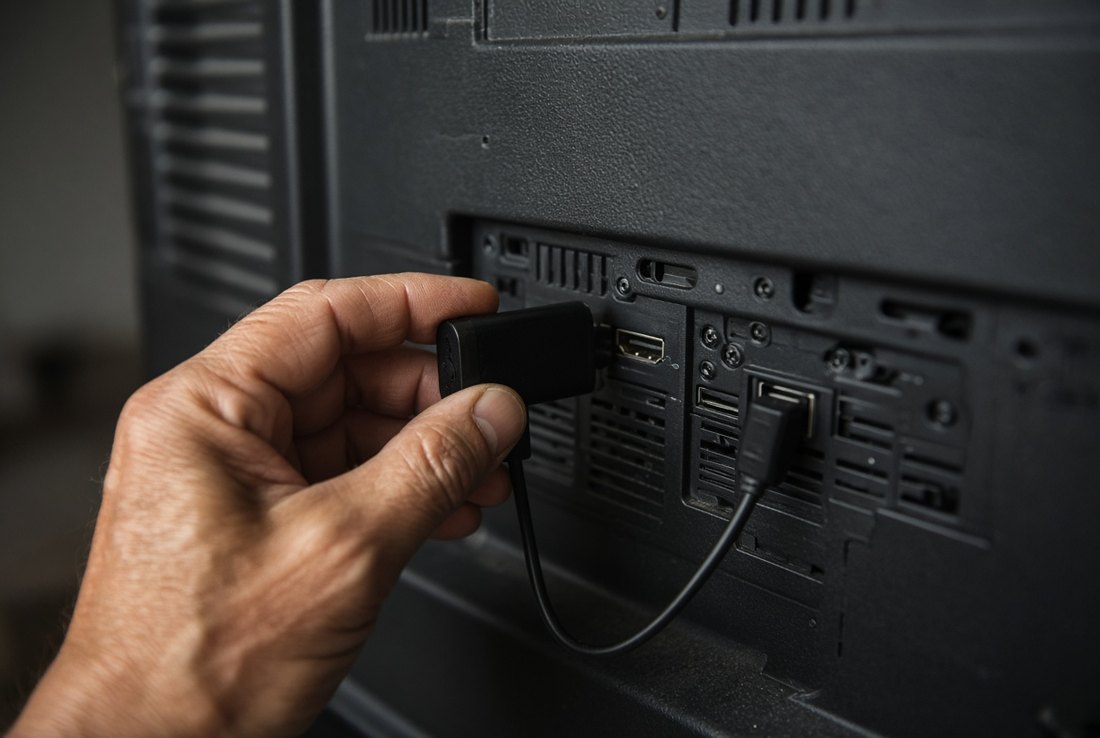
There are three common kinds, and they all do about the same job:
- Amazon Fire TV Stick. Amazon's new Fire TV Stick HD came out in 2026 at $34.99, and it goes on sale often for much less.
- Roku. The Roku Streaming Stick HD lists at $40 and was on sale for $30 in September 2026.
- Google TV and Walmart's own onn brand, which run Google's system and sit in the same price range.
For an older television, the plain HD model of any of them is the one to buy. The 4K versions cost more and do nothing extra on a screen that was not built for 4K in the first place. Look at the television's box or manual, or the model number on the back, and if it does not say 4K or UHD, the HD stick is all it can use.
The one I use
I will tell you plainly which one is on my own television, because I would rather you heard it from me than guessed. It is a Fire TV Stick. It is the stick plugged into the back of that ten-year-old Samsung in my bedroom, it is the one I use every day, and I think it is a good product. It starts up quickly, the voice button finds what I ask for, the one remote runs the whole television, and it has not given me a minute's trouble.
So if you want somebody to simply tell you what to buy, that is my answer: a Fire TV Stick HD, bought on sale. It goes on sale often, and on an older HD television it does everything a new smart television does.
That said, it is not the only good answer. If you already have a Roku somewhere in the house and like it, a Roku stick will serve the old television just as well, and a good many people find its menus the plainest of all. The point of this page is the old television, not the brand of the brain you give it.
One remote, not two
Here is the part that surprises people most. The stick's remote can turn the television on and off and work its volume. The old television remote can go in a drawer, or in the trash, or stay lost under the couch where it probably already is.
That works through a feature on the television called HDMI-CEC, which lets the stick and the television talk to each other through the same cable. Every maker calls it something different — Anynet+ on a Samsung, Bravia Sync on a Sony, SimpLink on an LG — and it is usually switched on in the television's settings. On a Fire TV Stick, you then go to Settings, Equipment Control, and tell it what brand of television it is plugged into. It asks you to press the power button to test it. That is all.
And the remote has a microphone button. Hold it down, say the name of a show or a film, and it finds it. For anybody whose eyes are not what they were, or whose fingers do not enjoy a tiny on-screen keyboard, that button is worth the whole thirty dollars on its own.
👀 The Television That Watches You Back
Here is something most people do not know about their new television. A good many smart televisions keep track of what you watch — not only on their own apps, but on anything plugged into them: cable, antenna, DVDs, the lot.
The technology is called automatic content recognition. The television looks at what is on the screen, works out what it is, and reports back. In 2017 the maker Vizio paid $2.2 million to the Federal Trade Commission and the State of New Jersey to settle charges that it had collected second-by-second viewing histories on about 11 million smart televisions without viewers' consent, attached details like age, income and education to them, and let the information be used for advertising. Vizio now has to ask permission. Plenty of televisions still do this; they just ask first, in a screen of small print nobody reads.
So there is a real privacy argument for the old television, and it is a good one. But it has to be told carefully, because it is easy to get half of it wrong.
A television that is not connected to the internet cannot report anything to anybody. An old set that was never smart at all has nothing in it to do the reporting. And an older smart set does exactly nothing if you simply never give it your Wi-Fi password. Let the stick be the only thing in the room on the internet. The television goes back to being what televisions used to be: a screen.
The stick, though, is a computer made by a company that sells advertising. It shows ads on its home screen and it collects information about how you use it, like every smart television does. The difference is that you can turn a good deal of that off, and it takes two minutes.
On a Fire TV Stick, go to Settings, Preferences, Privacy Settings, and switch off Device Usage Data, Collect App Usage Data and Interest-based Ads. Roku has similar switches under its own Settings menu, under Privacy. It will not make the stick silent — the ads on the home screen stay, and each app you install has its own rules — but it closes the biggest doors.
So the honest version is this. The old television keeps your information your own if it stays off the internet. The stick does the internet part, and you get to decide how much it tells. That is a better position than most people with a brand-new television are in, and it cost less.
🏷️ Buying One at a Garage Sale
A secondhand television is one of the few things at a garage sale where you can find out nearly everything in five minutes, if you know what to look at. So here is the list, and it is written as a list on purpose. A driveway on a Saturday morning is no place to be working anything out from a paragraph.
Before You Hand Over the Money
That is the whole inspection. Five minutes, and you know more than the seller does.
Garage sales are not the only place, either. Thrift stores, church sales, estate sales, and the neighbour who just bought a new one and does not know what to do with the old one are all good hunting grounds. A good many people will simply give an old television to anybody willing to carry it away. Which brings us to the carrying.
⚠️ The Part That Can Hurt You
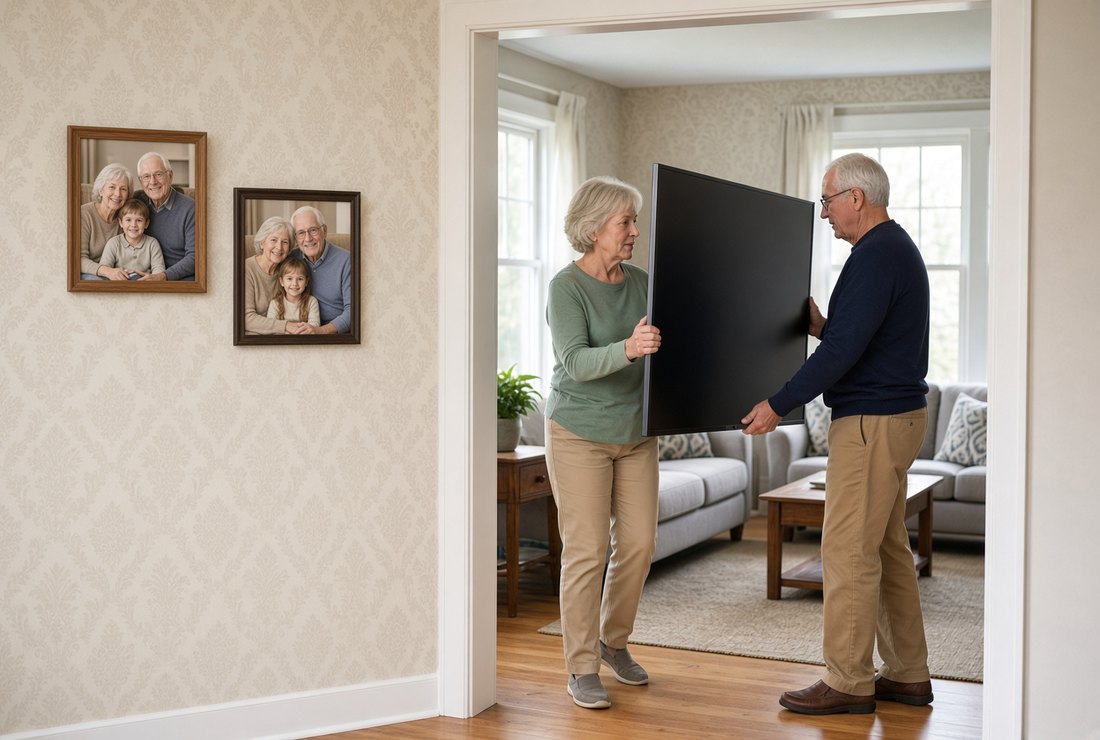
This part is written flat, and it is going to stay flat.
Do not move a large television by yourself. A sixty-inch set is wide, awkward and heavier than it looks, and a flat screen can crack if it is carried flat or twisted. Treat every television over about forty inches as a two-person job at the very least, carried upright, by the frame, never by the screen. Talk to your doctor before taking on any lifting or carrying described on this page.
Televisions tip over, and they kill people. The U.S. Consumer Product Safety Commission counted 217 deaths from televisions, furniture and appliances tipping over between 2013 and mid-2023, and about half of them involved a television. Most were small children — but about a quarter were people aged sixty and older. Put the television on low, sturdy furniture made to hold it, never on a dresser or a narrow stand, and secure it with an anti-tip strap as the television's manual and the CPSC's Anchor It campaign recommend. If you rent and a strap needs a screw in the wall, ask your landlord; most will say yes to a safety strap.
📡 The Free Television Nobody Mentions
Once the stick is in, the old television can watch anything a new one can. But there is one more thing it can do that people forget about entirely, and it costs nothing a month.
It can pick up the local stations off the air, free, with an antenna.
The Federal Communications Commission required every new television sold from March 1, 2007 onward to have a digital tuner built in, ahead of the switch to all-digital broadcasting in 2009. So nearly any flat-screen you find at a garage sale already has one. Plug a simple indoor antenna into the socket marked ANT or Antenna, tell the television to scan for channels, and in a good many places you get the local news, the networks and the weather, with no bill at all. How many channels depends on how far you are from the towers.
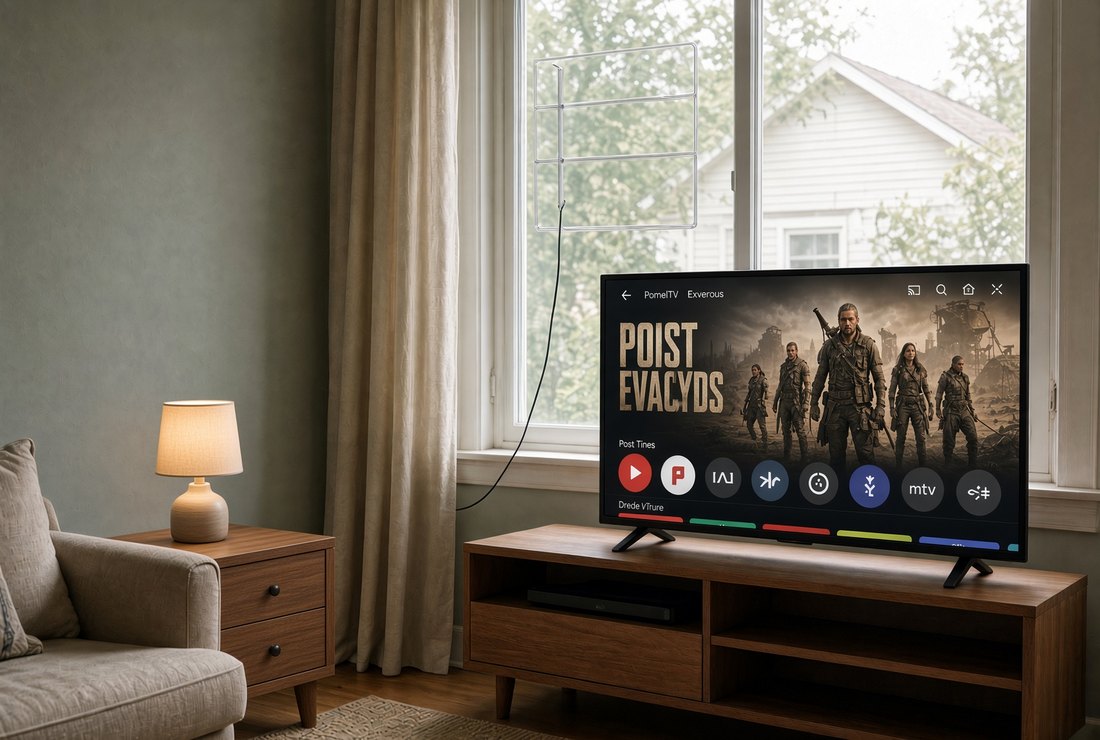
That matters more than it sounds for anybody on a budget. The stick gives you the streaming services, and some of those cost money every month. The antenna gives you the local news for nothing. And a good many of the apps on the stick are free as well, paid for by advertising the way television always used to be.
There is one more reason to have the antenna. When the internet goes down in a storm, the stick goes down with it. The antenna does not. If the power is on and the towers are up, the local weather is still on the screen.
🔧 Setting It Up
This is the easiest job on this whole website, and I say that with some confidence.
You plug the stick into an HDMI socket. You plug its power cable into the television's USB port or into the wall adapter that came in the box — Amazon says its new HD stick is made to run from the television's USB port, and to use the wall adapter if the television does not have one. You turn the television on and press the Input or Source button until the stick's welcome screen appears.
Then the stick walks you through the rest on the screen. It finds your Wi-Fi. It asks for your password. It signs in to an account. It updates itself, which takes a few minutes and is the one moment to go and make a cup of coffee.
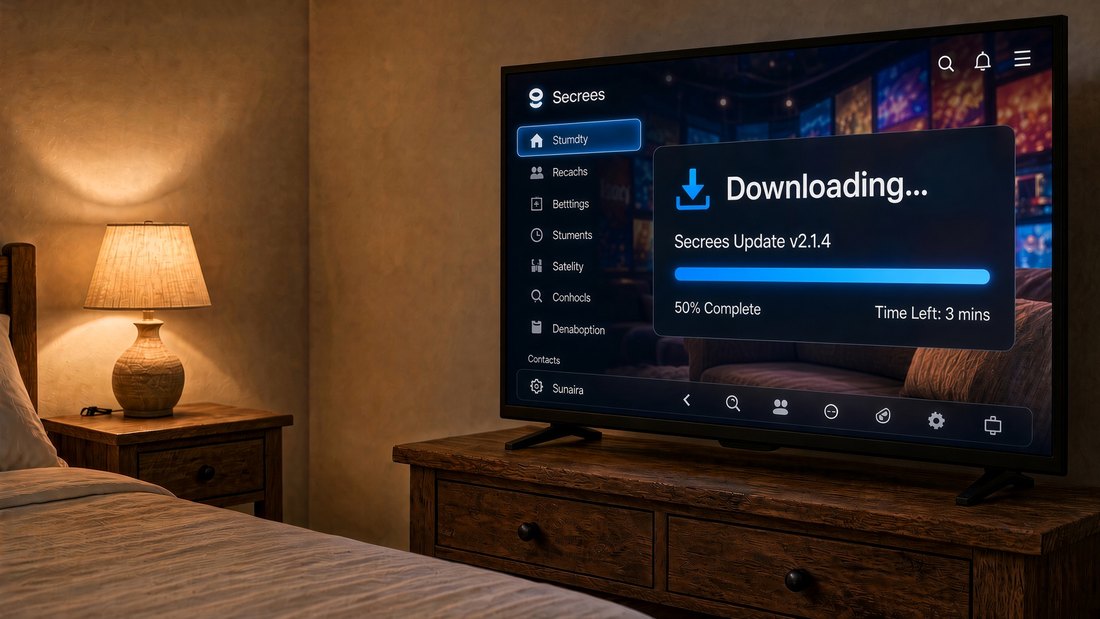
After that: turn on the TV control in the settings so the one remote does everything, switch off the privacy settings above, and install the apps you actually use. That is the whole job. A grandchild can do it in fifteen minutes, and so can you.
❓ Questions People Ask
Can a streaming stick make an old TV work like a smart TV?
Yes, if the television has an HDMI port. A streaming stick such as a Fire TV Stick or Roku plugs into the HDMI port and brings its own current menus, apps and remote, replacing the television's outdated built-in software. The television's screen does the same job it always did.
Do I need a 4K streaming stick for an older TV?
Not unless the television itself is 4K. An older HD television cannot show a 4K picture, so the plain HD stick is all it can use. Check the model number or the box for the words 4K or UHD before paying extra.
Can the streaming stick remote turn my TV on and control the volume?
Usually, yes. Turn on the TV's HDMI-CEC feature, which each brand names differently, such as Anynet+ on Samsung. On a Fire TV Stick, then go to Settings, Equipment Control, and choose your TV brand. The one remote then handles power, volume and the stick.
Do smart TVs track what you watch?
Many can, using automatic content recognition, which identifies what is on screen. In 2017 Vizio paid $2.2 million to settle FTC and New Jersey charges that it collected viewing data on about 11 million TVs without consent. A television that is not connected to the internet cannot report anything, so an older TV kept off Wi-Fi, with a streaming stick doing the internet part, keeps the TV itself out of it.
How do I stop a Fire TV Stick from collecting my data?
Go to Settings, Preferences, Privacy Settings, and turn off Device Usage Data, Collect App Usage Data and Interest-based Ads. That limits what Amazon collects, though home-screen ads remain and each app you install has its own privacy settings.
Can an old flat-screen TV get free channels with an antenna?
Very likely. The FCC required all new televisions sold from March 1, 2007 to include a digital tuner, so most flat-screens can receive free over-the-air digital broadcasts with a simple antenna plugged into the antenna input and a channel scan. How many channels you get depends on your distance from the broadcast towers.
💰 Why This Is a Fifty-Year-Old's Errand
There is a habit this whole website is trying to teach, and this page is the gentlest example of it there is.
It is this. Before you replace a thing, ask which part of it is actually worn out. The television was not worn out. Its brain was. The brain cost thirty dollars.
The screen is the expensive part and it lasts. The brains are the cheap part and they don't. Buy the one that lasts, secondhand, and replace the one that doesn't, new.
That idea runs all through a house once you start looking for it. The lamp with a bad switch. The chair with one loose leg. The perfectly good refrigerator with a door seal gone stiff. A person who learns to see the small failed part inside the large good thing saves money for the rest of her life, and on a fixed income that is not a hobby. It is arithmetic.
There is the privacy side, too, and it gets more important with age, not less. The older you are, the more the advertising business wants to know about you, and the more of the people calling your telephone already know too much. A television that minds its own business is a small thing. It is still a thing.
And there is the part that started this page. A big, bright screen that somebody else paid full price for, eight or ten years ago, still has most of its life in it. With a new brain plugged into the back, it works like new, it answers to one remote, and it does not know what you watch. My own has been doing that in my bedroom for years.
If you are looking for a television, look at the driveways before you look at the stores. And if you already own an old one that feels slow, do not throw it out. Give it a new brain.
If the voice button is the part that appeals, our guide to the talking assistants goes further. And if what the television mostly needs is to be louder, the answer may not be the television at all — see the hearing aids page.
If you would rather search than walk the aisles: Fire TV Stick HD · Roku Streaming Stick HD · indoor TV antennas · TV anti-tip straps.
Sources: the Vizio settlement, the 11 million televisions and the second-by-second viewing data are from the Federal Trade Commission. The digital tuner requirement of March 1, 2007 is from the Federal Communications Commission. Tip-over deaths and the share involving televisions and people sixty and older are from the U.S. Consumer Product Safety Commission's 2023 tip-over report. The message older devices receive is from the Netflix Help Center. The Fire TV Stick HD's price and power arrangements are from Amazon's announcement, and the Roku price from Gizmodo, September 2026. The Fire TV privacy menu is described by SlashGear and the Equipment Control menu by How-To Geek; menus change with updates, so check the maker's own help pages.